
Sign in with a new account
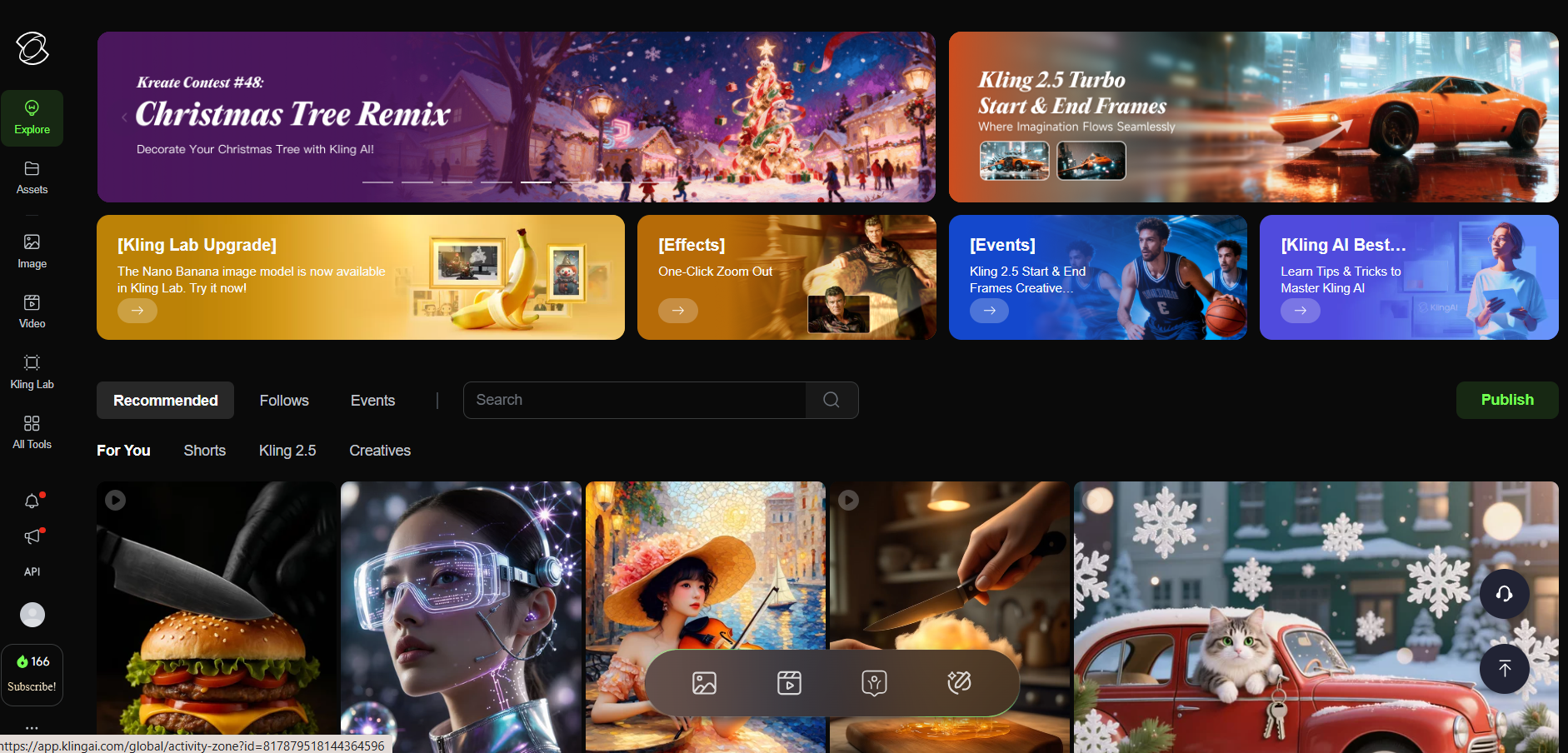
Open app.klingai.com/global in your browser. Click Sign in in the top-right corner to create a new account or sign in with an email that has never subscribed before. The code only works for new accounts.
The Kling AI referral code on this page is valid only for users who purchase a subscription with a brand-new account. Existing subscribers or accounts that have already tried a paid plan may not be eligible.
Kling AI referral bonus
Use the referral code below to get 50% bonus credits on top of the plan you purchase in your first month.
This website is not officially affiliated with Kling AI or Kuaishou. It is a personal referral and educational page.
Follow the steps below to apply the 50% bonus credits to your Kling AI account.
Open app.klingai.com/global in your browser. Click Sign in in the top-right corner to create a new account or sign in with an email that has never subscribed before. The code only works for new accounts.
After logging in, on the main screen look at the bottom-left corner. Under your credit balance you will see the Subscribe button. Click it.
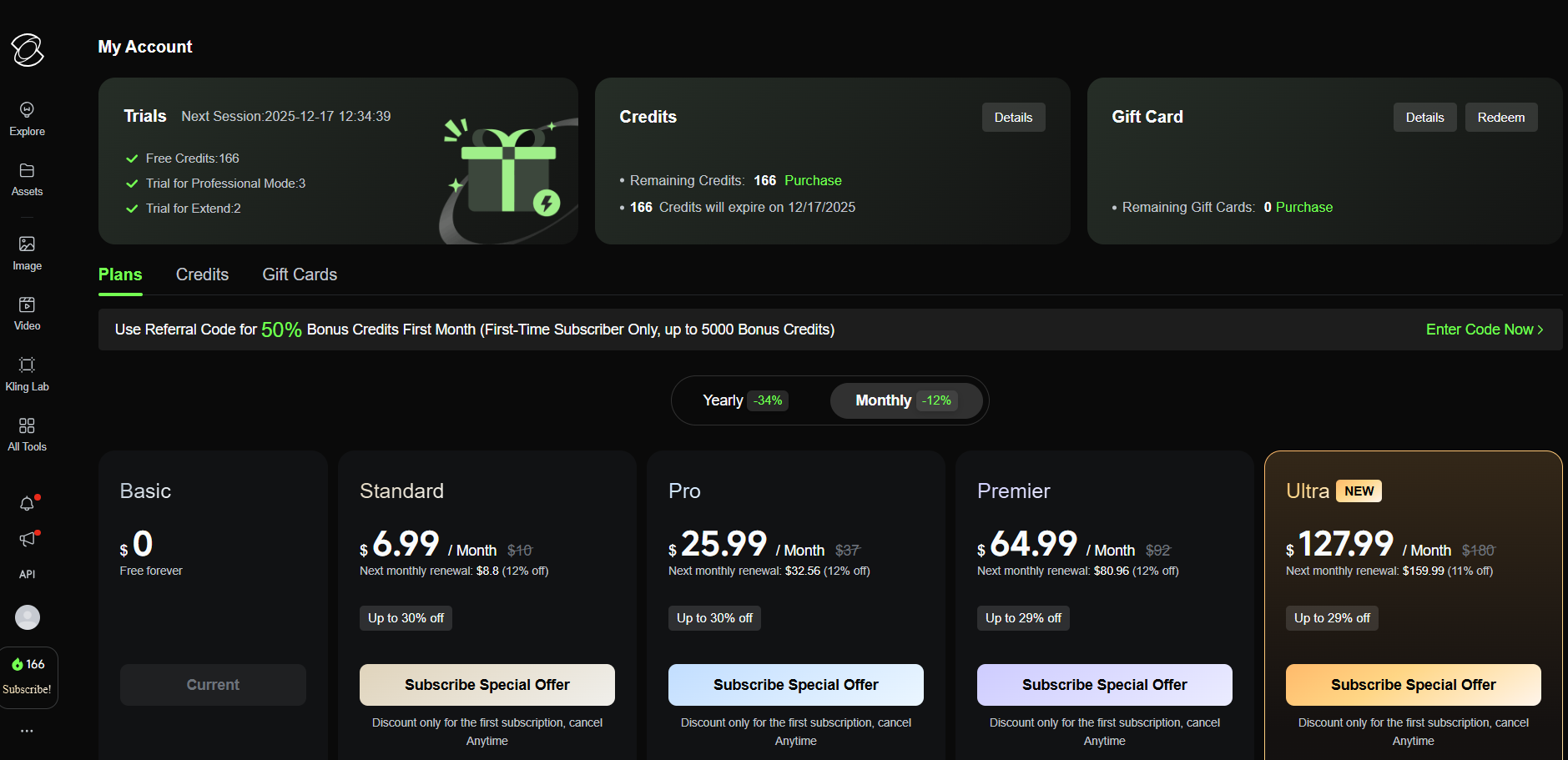
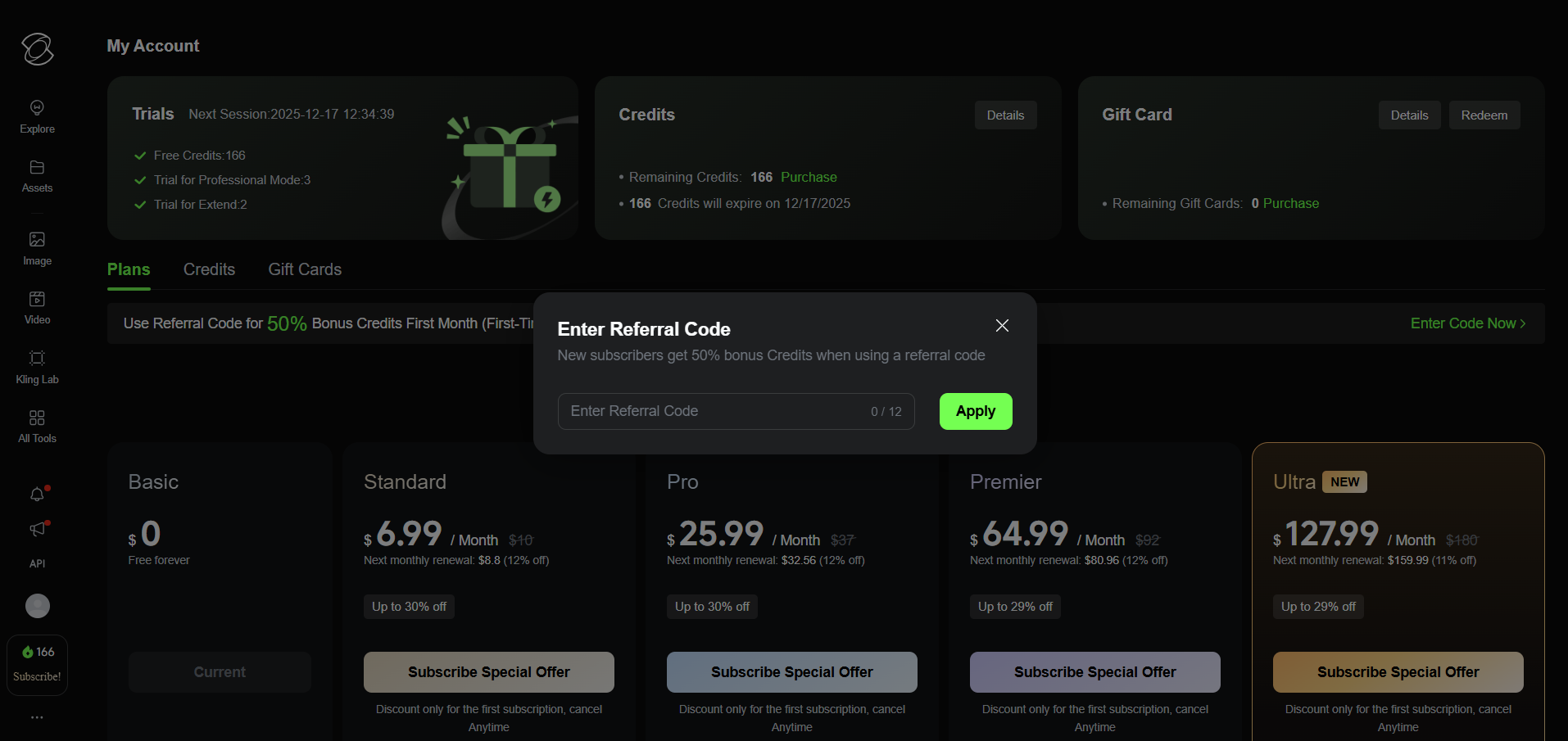
On the plans page, at the top banner that says Use Referral Code for 50% Bonus Credits First Month..., click the Enter Code Now link on the right. In the popup, type the referral code and press Apply.
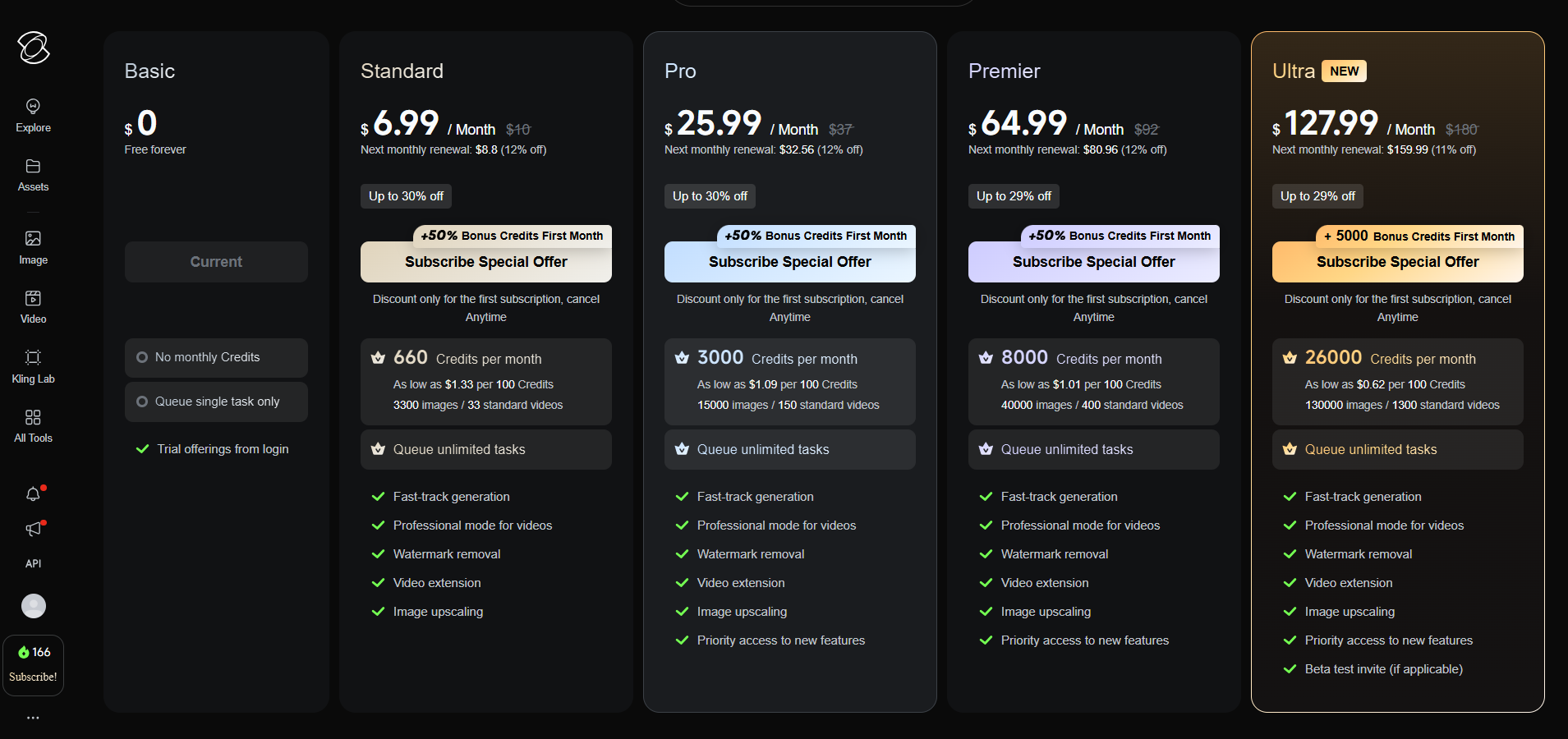
Once the code is applied, each plan card will show +50% Bonus Credits First Month. Select any plan you like and complete the payment; 50% extra credits will be added for your first month.
Yes. Kling AI applies this promotion only to first-time subscribers using a new account. If you have already subscribed or used a similar promotion before, the code may not work.
You can only apply one referral code per subscription. The code on this page is enough to receive the 50% bonus.
No. This is a personal information and tutorial page and is not officially associated with Kling AI or Kuaishou. All trademarks are property of their respective owners.
First make sure the account is new, the code was entered before payment, and the bonus label appears on the plan cards.
Enter it in the Enter Code Now field before choosing a plan and completing payment.